Meet the eardrop player
The eardrop player is a small, free web app built specifically for repeat-and-shuffle listening — it turns a folder of purchased audio files into something that fits naturally into your day. It works right in your browser, or installed as an app on your computer and phone (see the installation instructions below).
Import once, keep listening anywhere
Your purchase comes as a single zip file. Drop it into the player once and it unpacks the tracks locally — no account, no login, no server round-trip every time you press play. It works the same way on desktop and phone.
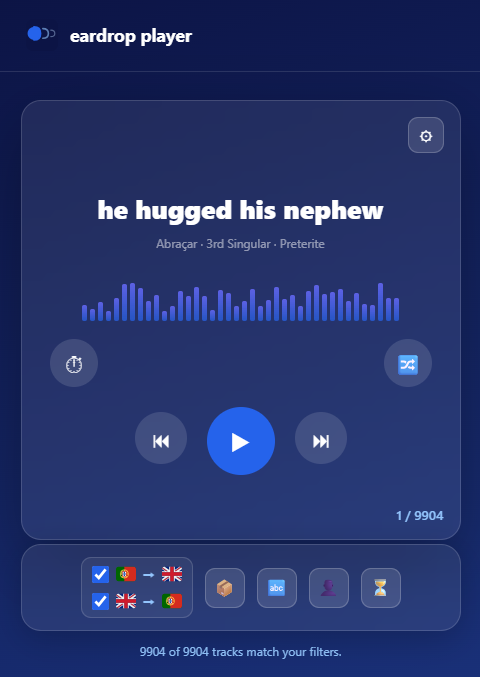
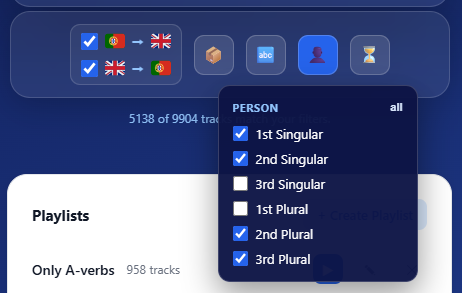
Filter down to exactly what you want
Filter by collection, verb, grammatical person, and tense, so you can drill into one verb until it’s second nature, or let a whole collection shuffle through a commute, a workout, or a quiet evening.
Both directions, side by side
Every track has a Portuguese and an English version. Flip between them, or listen with both directions checked and let the player mix them in.
Save it as a playlist
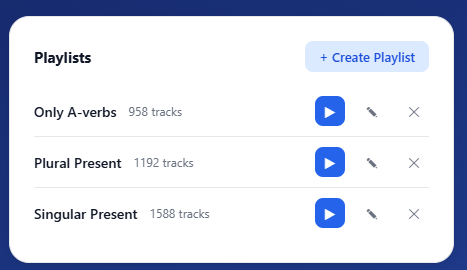
Turn any filter into a playlist you can come back to — just the singular forms, one tense at a time, or a running list you grow by adding one new verb every day.
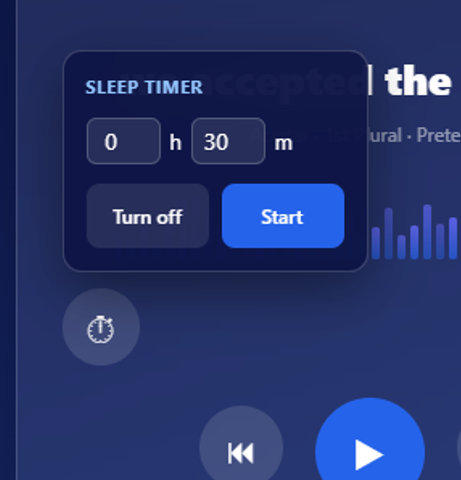
Set a timer — for sleep, or for focused practice
Falling asleep to a collection? Set a timer and the player fades out and stops on its own, so you don’t wake up hours later still playing.
Or flip it around during the day: set it for 15 minutes, hit play, and use it as a simple, timed practice session.